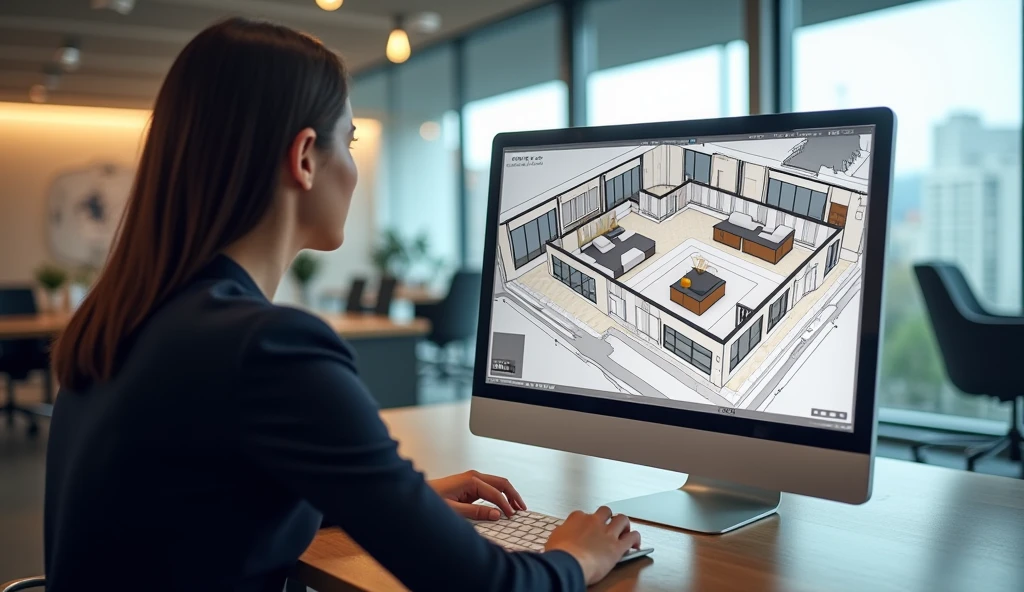
When planning a space, it is important to make it functional and attractive. For a new house, a new room to be renovated, as well as a commercial office, it is important to have a layout. A floor planner can be of great assistance to you in visualizing your ideas before making costly changes. Using a 2D Floor Planner, you’ll be able to make informed design decisions, arrange furniture, and create accurate layouts. It will give the homeowner, the interior designer, the architect, and the business owner the ability to see what they can do with different room layouts without spending time or money. In this guide, you will learn how to use a floor planner like the pros, for impressive results.
What Is a 2D Floor Planner?
A floor planner is a computer-based design software tool that produces a building or room’s top-down plan view. Shows walls, windows, doors, furniture & fixtures in an uncomplicated design. The job of a 2D Floor Planner is to provide accurate and provide functions, assisting the user to understand how a space will appear before construction or renovation commences. A digital floor plan can be edited rapidly as opposed to hand-drawn sketches. Users can resize rooms, move furniture around, and try various layouts without having to redo it all. This will make planning much simpler.
Why Professionals Use Floor Planners
Professional designers use floor planners as it enhances accuracy and reduce complicated and costly errors. A good design plan will allow for each room to have a specific function and will provide for ease of movement throughout the room. Also, floor planners help in communicating between the homeowners, contractors, and designers. All can see the same layout and understand the design before work starts. This reduces the risk for misunderstandings and aids in keeping projects on track.
Start with Accurate Measurements
All plans that are successful start with accurate measurements. Determine the size (in feet) of each room of the home, including the position of doors, windows, columns, and built-in elements. Enter the width, length, and height of your space into a 2D Floor Planner to produce a true digital replica of your space. All measurements, however small, can have a significant impact on furniture positioning and room performance, so make sure to double-check each measurement before finalizing the positioning of the furniture.
Plan the Room Layout Carefully
Once the outline of the room is created, determine the functions/ activities that will take place in the room. Think about how the room will be used daily, its storage requirements, and the number of people visiting. A living room should be a place for talking and a kitchen should be a place for cooking. Properly space furniture to allow for easy maneuvering. Be sure to allow room for walking around, and don’t block windows or doors. A balanced layout enhances not only looks but comfort as well.
Choose Furniture That Fits the Space
One of the most crucial parts in floor design is picking the right-sized furniture. Too large furniture will make a room look cramped, and too small furniture will make a room appear empty. Make use of your floor plan to see various furniture arrangements before buying. This way, they can avoid purchasing anything that doesn’t fit.
Consider Lighting and Traffic Flow
Lighting has an impact on comfort and appearance. Place seating areas in a position to take advantage of natural lighting, and avoid placing large furniture items in front of windows. Flow of traffic is another key factor. Human beings should be able to flow from one area to another without any hindrances. A 2D Floor Planner can be used when creating a design to detect if there are any walkways that are too narrow or areas that are too crowded.
Review and Refine Your Design
The first floor plan drawn is unlikely to be accepted by professional designers. Rather, they take the layout several times and make adjustments in its functionality, look, and comfort. Experiment with various furniture layouts, see more than one, and consider the pros and cons of each. Imperfections in the final design can be found by making minor changes in the initial design.
Common Mistakes to Avoid
Many novices either put too much furniture in one room, or forget about the need for storage space. Others do not allow sufficient walking areas, or do not take the time to measure properly before drawing the layout. Don’t commit these errors, but carefully consider all aspects. The planning stage can also be a time-consuming process, but if time is invested, it will save money in correcting later.
Benefits of Using a Floor Planner
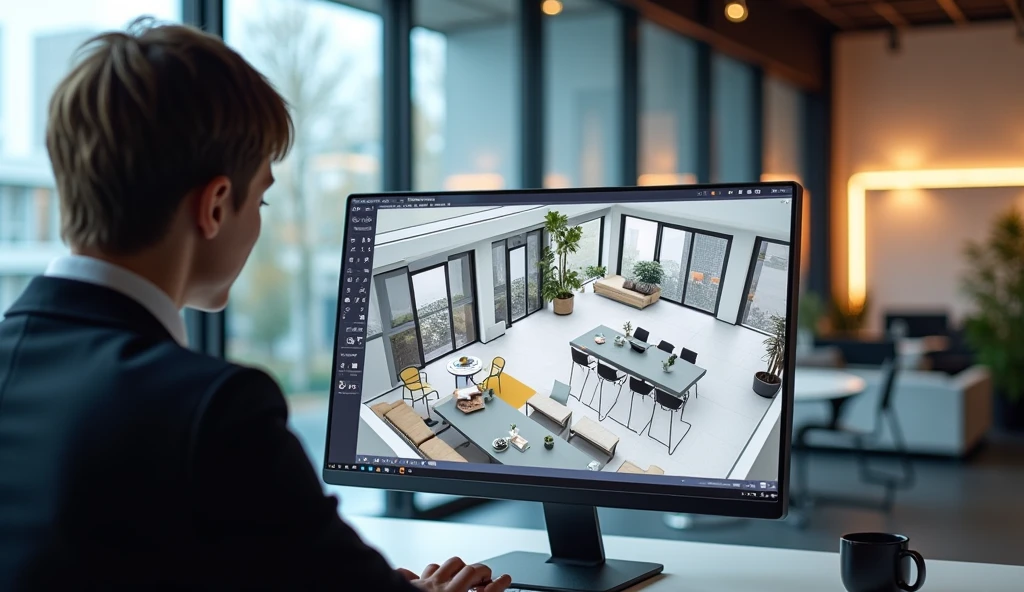
A floor planner can have a lot of benefits other than just visualization. Prevents overdesign and overpurchasing and thus saves money. This also helps to enhance communication amongst all parties of the project. The most important is the 2D Floor Planner, which lets you make sure that what you are doing is right, as you can visualize what the space will look like before the renovation or construction.
FAQs
What is a 2D Floor Planner?
A 2D Floor Planner is software that is used to develop a flat view or top-down layout of a home, office, or commercial space. It assists users in planning the size of the rooms, furniture layout, and flow of people. Before construction, the software simplifies and correctly plans space.
Who can use a 2D Floor Planner?
A floor planner can be utilised by anyone from homeowners to students, architects to interior designers, and business owners to anyone else. Most of the current tools have a drag-and-drop element. Even for those novice users with little design experience, there’s no need to put in the effort to produce professional-looking layouts in a hurry.
Why is it important to make a floor plan before renovation?
A floor plan is a diagram that can be used preemptively to pinpoint potential issues during a project. It enhances the usability of furniture, storage solutions, and the use of a space. Planning can help to save on renovation costs and prevent any errors that could end up costing a lot of cash down the road.
Do you have the option of redrawing multiple designs for the room?
Yes, digital floor designers are able to make as many alterations to your design as you want. Makeshift furniture can be maneuvered, rooms can be resized, and different layouts can be tried until the ideal one is found. This is great flexibility when it comes to planning, compared to traditional sketching.
What are the key factors to consider in creating a successful professional floor plan?
A successful floor plan that’s successful is a blend of the three: functionality, comfort, and look. It incorporates the correct dimensions, effective traffic control, furniture positioning, and storage solutions. With careful planning, you’ll be able to create a space that’s both functional and beautiful.
Conclusion
When it is well designed, the floor plan will result in spaces that are comfortable, functional, and aesthetically pleasing. Learning to effectively use a floor planner will help you avoid mistakes that will cost you money, and you can enhance every aspect of your project. From the design of a house to the planning of a workspace, a 2D Floor Planner can help bring ideas to life and create a precise floor plan that facilitates efficient, stylish, and functional living.
