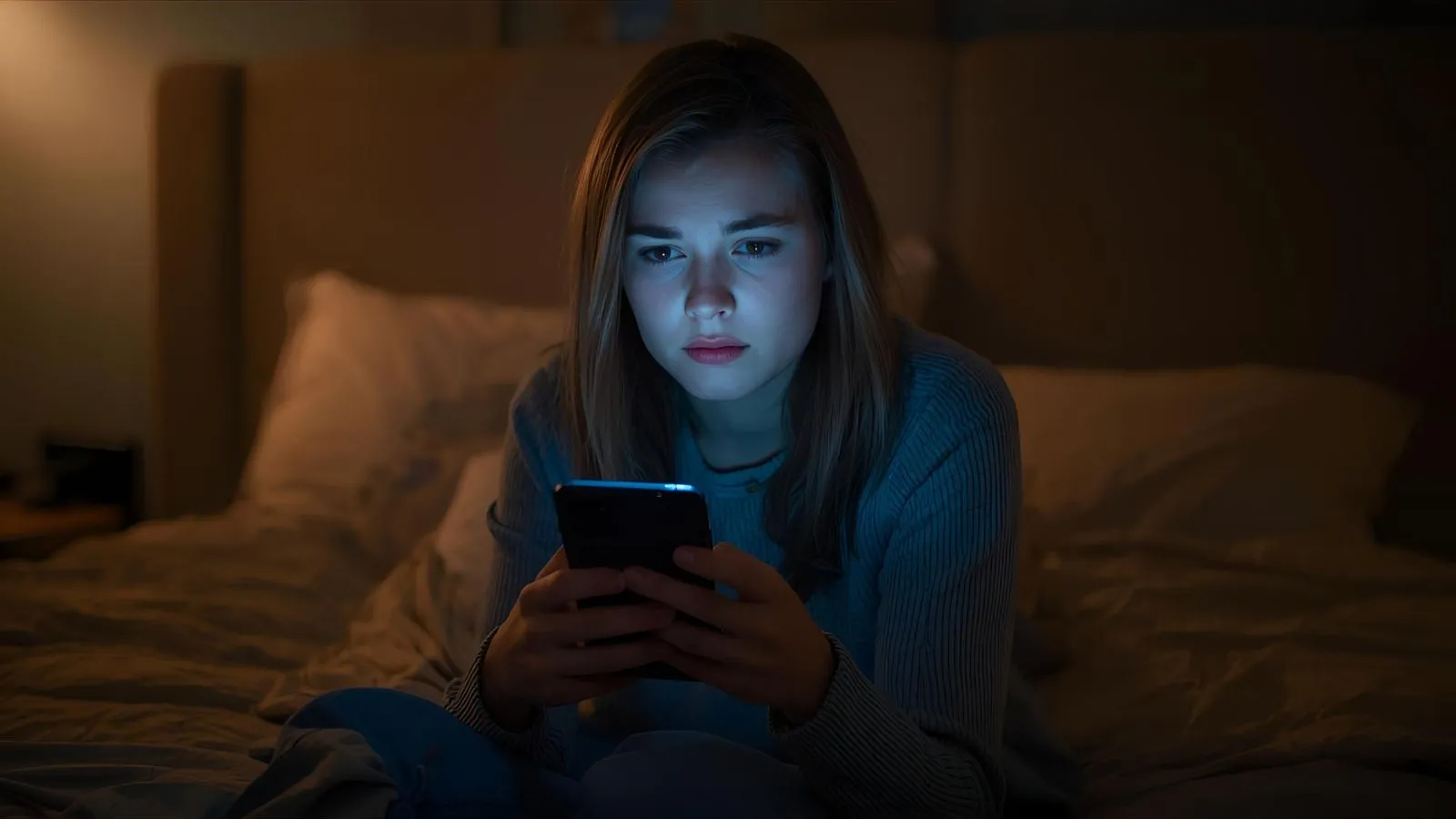
You know that sinking feeling right after you hit “send”? I’ve been there too — that instant rush of regret when you realize the message you just sent wasn’t what you meant to say. Maybe it was too emotional, too honest, or sent to the wrong person entirely.
That’s when the panic kicks in, right? You grab your phone, hoping there’s a way to pull it back and if you’re like me, you’re probably thinking, “How do I unsend a message on iPhone?
Well, here’s the good news: Apple finally made it possible to unsend texts. But even if it’s too late to take it back, don’t worry — I’ve got you. In this post, I’ll show you not only how to unsend or edit a message on iPhone, but also what to say when you can’t. From gentle apologies to funny follow-ups, I’ve written words that help you make things right and maybe even smile again.
How to Unsend a Message on iPhone (Step-by-Step)
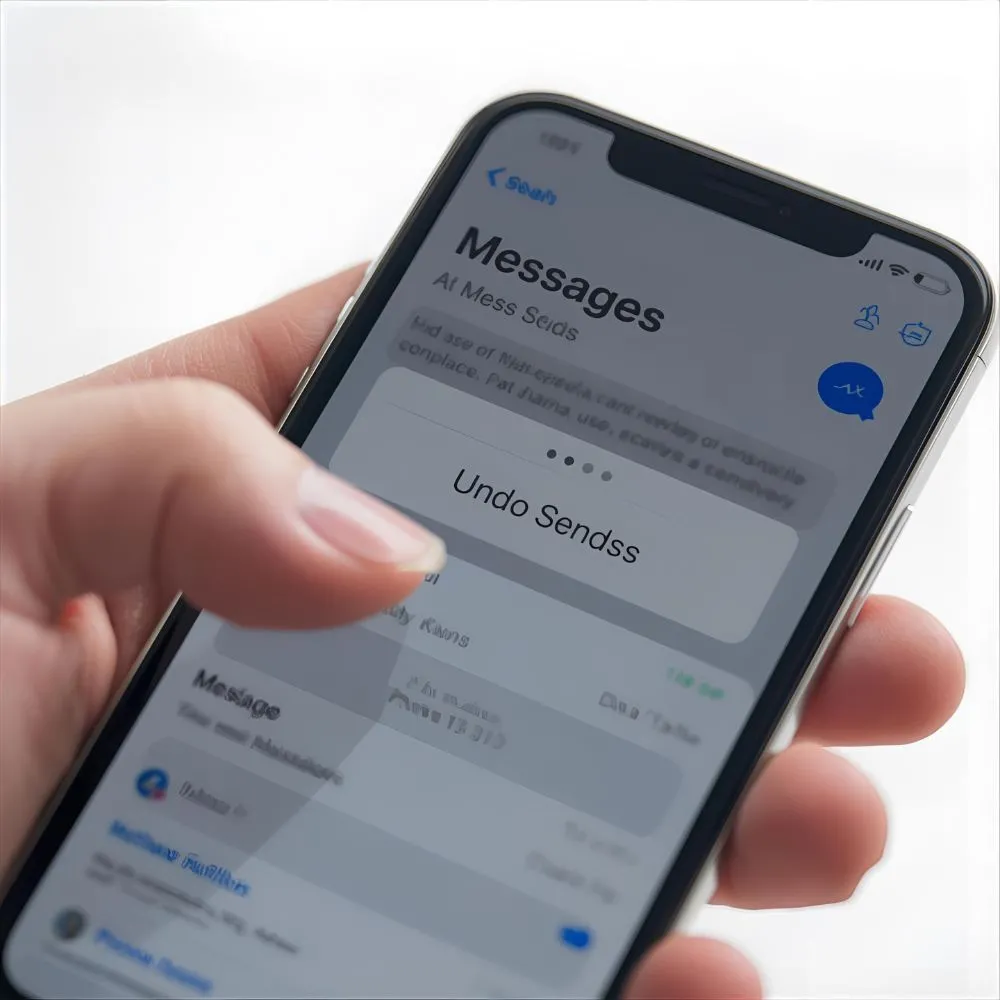
Before diving into what to say afterward, here’s how to unsend a message properly.
- Open the Messages app.
- Touch and hold the message bubble you want to delete.
- Tap “Undo Send.”
- Done! The message disappears for both you and the recipient.
⏰ Note: You can only unsend within 2 minutes of sending, and both users must have iOS 16 or later.
What to Say When You Can’t Unsend a Message

Sometimes the damage is done. But your words can still heal.
Here are gentle ways to handle it when you can’t take your message back.
Message 1: I didn’t mean for that to come out the way it did. I’m sorry if it hurt.
Message 2: I wish I could unsend that — it wasn’t fair to you.
Message 3: My emotions spoke before my heart could. I truly didn’t mean it that way.
Message 4: Please know my message came from a moment of frustration, not from who I am.
Message 5: Can we start fresh? I value what we have too much to let one text ruin it.
Message 6: I’ve been thinking about what I sent, and I feel awful.
Message 7: I was impulsive — not intentional. I hope you’ll forgive me.
Message 8: I care about you more than that message showed.
Message 9: If I could hit “undo,” I would. But since I can’t — here’s my sincere apology.
Message 10: I want to make things right, even if I can’t unsend the past.
Apology Messages After Sending Something You Regret
When you send something you wish you hadn’t, a heartfelt apology can soften the moment.
Message 1: I’m really sorry if my message hurt you. It wasn’t my intention.
Message 2: I reacted too quickly, and I regret my words.
Message 3: You mean a lot to me — please forgive my thoughtlessness.
Message 4: I was emotional. You didn’t deserve that tone.
Message 5: I should’ve waited before replying. I’m sorry for rushing it.
Message 6: My heart feels heavy about what I sent. I truly regret it.
Message 7: Can we talk? I’d like to explain what I really meant.
Message 8: I value our bond too much to let a message ruin it.
Message 9: That wasn’t the real me speaking — it was the heat of the moment.
Message 10: I’m learning to think before I text. Thank you for understanding.
Funny Messages to Lighten the Mood After a Text Mistake

Laughter can be the best undo button when the message wasn’t too serious.
Message 1: Can I pretend that text was a glitch in the Matrix? 😅
Message 2: Oops! That message was meant for my “alternate timeline self.”
Message 3: Siri made me do it.
Message 4: That text aged badly — like milk. 🥴
Message 5: I swear my thumbs betrayed me.
Message 6: That was a “test message,” not a “text message.” 😜
Message 7: Ignore that — I was possessed by caffeine.
Message 8: I blame autocorrect (and my emotions).
Message 9: That wasn’t me; it was my evil twin.
Message 10: Let’s pretend that message unsent itself, okay? 😄
Sweet Messages to Follow Up After a Text Gone Wrong
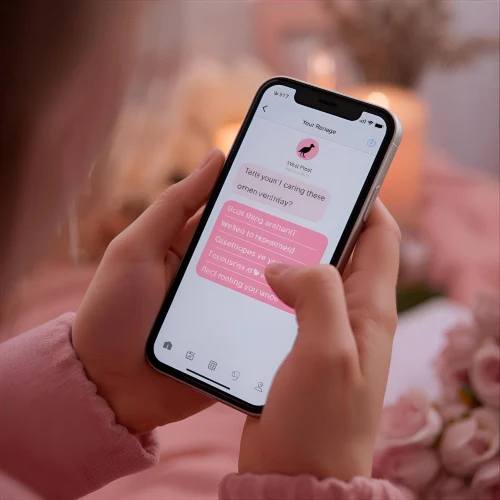
If your heart’s in the right place, a sweet follow-up can bring peace.
Message 1: I know my text wasn’t perfect, but my care for you is.
Message 2: You’re more important than any awkward moment.
Message 3: I’d rather make peace than make excuses.
Message 4: I hope you can feel my sincerity behind these words.
Message 5: That message didn’t show how much I value you.
Message 6: I’m here if you’d like to talk it through.
Message 7: I was wrong — but I want to make it right.
Message 8: You deserve honesty, not impulsive words.
Message 9: My tone was off, but my care is real.
Message 10: I’m learning from this — thank you for your patience.
How to Edit a Message on iPhone (If You Can’t Unsend)
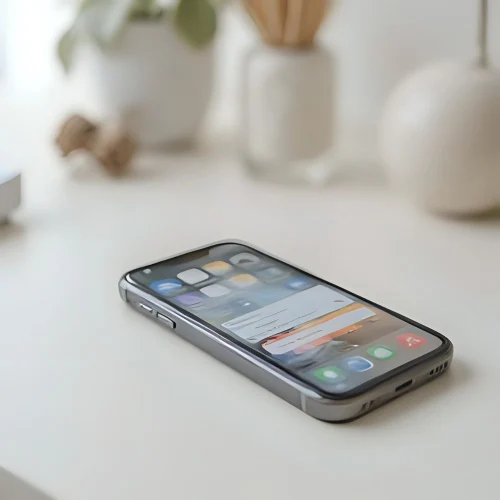
Did you know you can edit a message instead?
Just tap and hold the message → tap Edit → make changes → tap ✔️ Send.
Apple allows up to 5 edits within 15 minutes, so you can quickly fix typos or tone before things escalate.
Messages to Send When You Accidentally Text the Wrong Person

We’ve all sent a message to the wrong chat. Here’s how to recover gracefully.
Message 1: Sorry, that message wasn’t for you — unless you want it to be 😉
Message 2: Oops, that was meant for someone else! Ignore me.
Message 3: Wow, technology humbles me again. Wrong chat!
Message 4: My bad — that text took a wrong turn.
Message 5: Ignore that, but hey — how are you?
Message 6: Clearly, my multitasking needs work.
Message 7: Wrong person, right embarrassment.
Message 8: If you read it, pretend you didn’t. 😂
Message 9: That text went rogue — sorry about that!
Message 10: Consider that message officially unsent (by vibes).
Messages to Send When You Want to Clarify Misunderstandings
If your message caused confusion, these clarity texts can help.
Message 1: I think my last message came across differently than I meant.
Message 2: Let me explain what I truly wanted to say.
Message 3: That wasn’t criticism — it was concern.
Message 4: I realized my tone was off. I didn’t mean it that way.
Message 5: I care about how you feel; can we clear this up?
Message 6: My message sounded harsher than I intended.
Message 7: I was trying to help, not hurt.
Message 8: Sorry for the confusion — let me rephrase that.
Message 9: I should’ve said it differently.
Message 10: Thanks for hearing me out — I appreciate your patience.
Comforting Messages to Send Yourself After a Text Mistake

Sometimes, you need to comfort yourself after sending something you regret.
Message 1: It’s okay — everyone sends something they wish they could unsend.
Message 2: I’m human. I can make mistakes and still be kind.
Message 3: One message doesn’t define me.
Message 4: I can fix things with honesty.
Message 5: I’ll handle this with grace.
Message 6: I can learn from this moment.
Message 7: Regret means I care — and that’s a good sign.
Message 8: I can make things right, one message at a time.
Message 9: I’ll choose kindness, even for myself.
Message 10: This moment will pass — and I’ll grow from it.
FAQs
Q1: Can I unsend a message after 2 minutes?
A: No, after 2 minutes, the “Undo Send” option disappears.
Q2: Will the other person see I unsent a message?
A: They’ll see a note saying “You unsent a message.”
Q3: Does unsending work with Android users?
A: No, it only works in iMessage, not regular SMS.
Q4: Can I edit a message instead of unsending it?
A: Yes! You can edit it up to 5 times within 15 minutes.
Q5: What if I can’t unsend?
A: Apologize honestly — sometimes, a heartfelt message is the best fix.
Conclusion
Learning how to unsend a message on iPhone is helpful — but knowing how to handle the moments you can’t is powerful. Whether it’s an apology, a laugh, or a heartfelt follow-up, your sincerity matters more than a deleted text ever could.
So next time you hit “send” too fast, take a breath. Use your words to rebuild connection, not regret.
If these messages touched you, explore our [apology messages], [friendship texts], or [relationship quotes] to find the perfect words for every moment.
Because even when we can’t unsend, we can always send love again. ❤️

I’m Jayden Hart, the writer behind MyMessage.com. I share heartfelt messages, quotes, and wishes that help people express emotions and connect through meaningful words.